Log Out
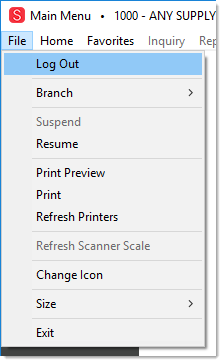
Choose the Log Out (ALT-L) option to return to the User Login screen without exiting (closing) the application. You might do this as a security measure when you leave your station or to log in as a different user (system administrator, etc.). While the application is active, one or more server licenses may be in use, so closing the application is a good idea if you plan on being away for an extended time. The application may close itself after a period of inactivity.